





Fix how words are pronounced
AI Text to SpeechUpdated September 15, 2026
If the AI mispronounces a brand name, acronym or technical term, PRO gives you two fixes. Add a site-wide rule in AI Text-to-Speech › Settings › Custom Pronunciations, or wrap a single occurrence in the post with [tts say="..."]...[/tts]. Both work by replacing the written word with text that sounds right before it’s sent to OpenAI.
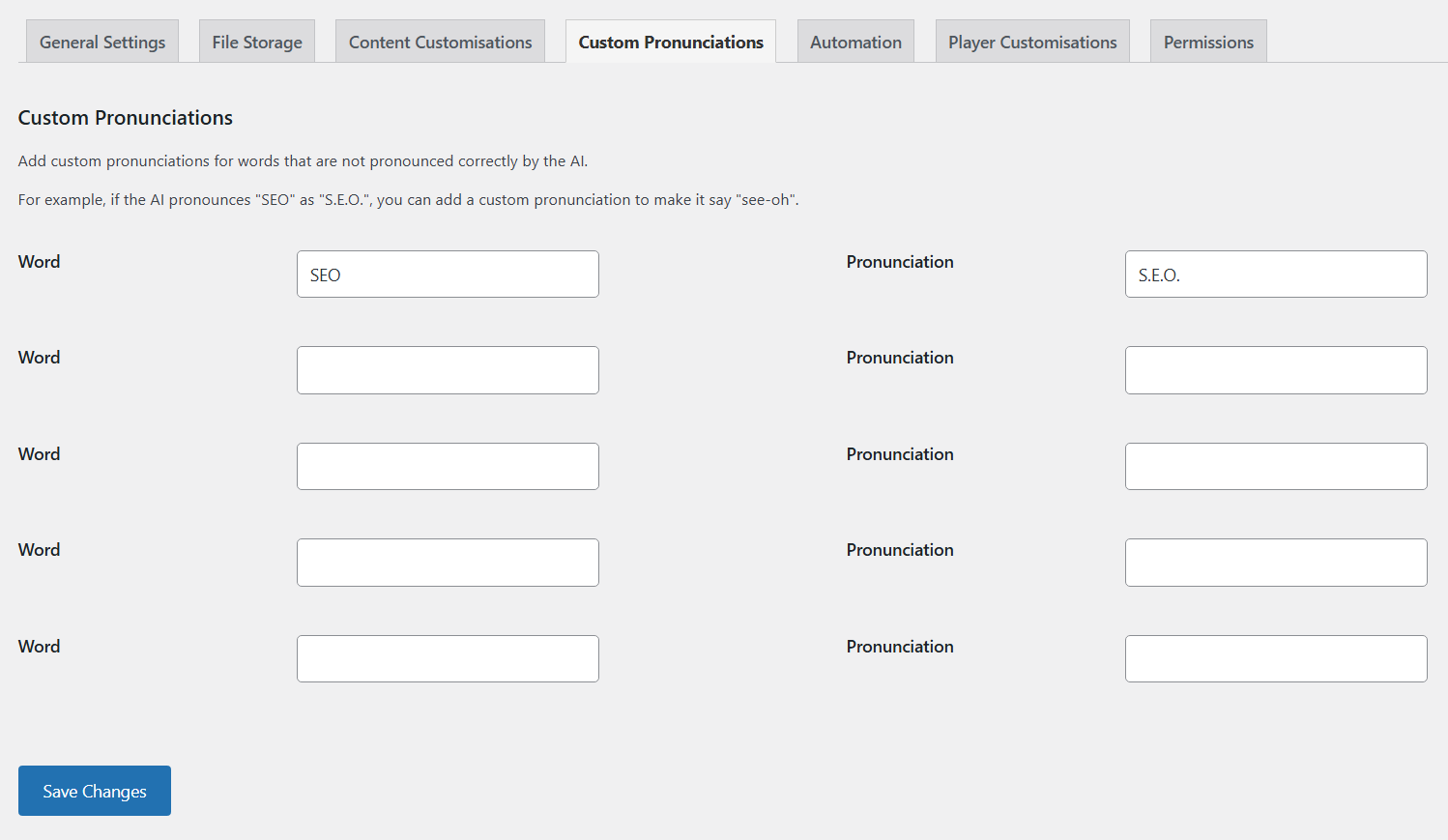
Add site-wide pronunciation rules
- Go to AI Text-to-Speech › Settings and open the Custom Pronunciations tab.
- In the first empty row, enter the Word as it’s written, for example
SEO. - Enter the Pronunciation spelled the way it should sound, for example
S E O. - Add more pairs as needed. Five rows show at first and another appears as you fill them, up to 20.
- Click Save Changes, then regenerate any posts that should use the new rules.
Rules apply to post content, the title, the author name, global and per-post custom text, and Generator page text.
How matching works
- The word is matched as you typed it, plus capitalised, title case, UPPERCASE and lowercase versions.
- Matching isn’t limited to whole words. A rule for
SEOalso changes the “seo” inside a word like “Seoul”. Choose words that don’t appear inside other words, or use the shortcode for those cases. - Rows are processed from the top and stop at the first empty row. Don’t leave gaps between rules.
Change one phrase with the [tts say] shortcode
Wrap the text in the post and put the spoken version in the say attribute:
Our office is in [tts say="Lester"]Leicester[/tts].Visitors see “Our office is in Leicester.” and the audio says “Lester”. The shortcode tags themselves are hidden on the front end. Use straight double quotes around the value, and don’t put double quotes inside it.
The shortcode is also handy for reading out figures, symbols or abbreviations in a specific way, for example [tts say="twenty twenty-six"]2026[/tts].
Tips for spelling pronunciations
- Spaces between letters make the voice spell a word out: “W P” rather than “WP”.
- Hyphens can help with syllables: “Kwa-zoo-loo”.
- Test a spelling quickly on the Generator page before regenerating long posts.