






The best store credit plugin for most WooCommerce stores gives each customer a balance they can see and spend, and lets you refund orders straight into it without paying for an upgrade.
Simple Store Credit does that in its free version and adds cashback and gifting in PRO. TeraWallet is the most established free wallet, and Advanced Coupons suits stores that want store credit alongside a bigger coupon toolkit.
Before you read on, you should know that we build Simple Store Credit, and it only launched in September 2026. So it’s our pick, but it has none of the track record the older plugins here have. Every entry below lists real drawbacks, ours included.
Quick picks if you already know what you need:
- Wallet, vouchers and refunds to credit on a free plan: Simple Store Credit
- Free wallet with cashback and customer transfers: TeraWallet
- Capping how much of an order credit can pay for: Advanced Coupons
- Selling gift cards first, store credit second: Smart Coupons or WebToffee Gift Cards
- Prepaid deposits with a bonus for topping up: YITH Account Funds
Why a plugin at all? WooCommerce has coupons, but no customer balance. Out of the box you can’t refund an order to credit, and customers have nowhere to see what they have left to spend. Store owners get around it by creating a one-off coupon for every refund and tracking what’s left in a spreadsheet, which works right up until you have more than a handful of customers.
How we compared these plugins
We spend most of our week building WooCommerce plugins, and store credit came up in support tickets for our loyalty and affiliate plugins long before we built one for it.
For this list we looked at the plugins store owners tend to shortlist for store credit, wallets and refunds to credit. For each one we checked the live pricing page, the WordPress.org or WooCommerce.com listing (install counts and ratings), and the documentation, then noted which of the features people ask about most sit in the free version and which cost extra: refunds to credit, customer top-ups, cashback, expiry, and whether the credit lives in an account balance or as coupon codes. Prices and install counts were checked on September 22nd 2026.
Almost every plugin puts refunds to credit and a basic balance in the cheapest tier it can. The extras that change how credit behaves, like expiry and cashback rules, vary a lot more between free and paid.
What are the best WooCommerce store credit and wallet plugins?
The table sums up each plugin, and the full write-ups follow below it. Prices are full, non-discounted annual prices for one site.
| Plugin | Free version | Paid from | How credit is held | Best for |
|---|---|---|---|---|
| Simple Store Credit | Yes | $79.99/year | Account balance and credit vouchers | Refunds, top-ups and vouchers in one place |
| TeraWallet | Yes | $79/year | Wallet used as a payment method | A free wallet with cashback |
| Advanced Coupons | Yes | $199/year | Account balance | Stores that also want advanced coupons |
| Smart Coupons | No | $129/year | Coupon codes | Gift cards and credit sent by email |
| Account Funds | No | $89/year | Balance used as a payment method | Deposits and cashback from the Woo marketplace |
| YITH Account Funds | No | £94.99/year | Balance used as a payment method | Prepaid deposits with a top-up bonus |
| Wallet System for WooCommerce | Yes | $79/year | Wallet used as a payment method | Transfers, withdrawals and other wallet extras |
| WebToffee Gift Cards | Yes | $99/year | Coupon codes (balance in premium) | Gift card sales with store credit on the side |
Last checked and updated: September 22nd 2026
1. Simple Store Credit for WooCommerce

Simple Store Credit is our own plugin, so read this one knowing that. It gives every customer a wallet balance and adds credit vouchers on top, and you can run either one or both.
The free version already covers the jobs most stores install a store credit plugin for. There’s a “Refund as Store Credit” button on the order screen for full or partial refunds, customer top-ups, and credit vouchers that can be spent a bit at a time. Customers get a Store Credit page under My Account showing their balance, vouchers and a full history. At the cart and checkout, a redemption tool lets them apply their balance, pick a voucher or type in a code, and you decide whether they can spend part of their balance or have to use it all. It works on both the block and classic checkouts.
Vouchers are saved as normal WooCommerce coupons, so they aren’t locked inside a format only this plugin understands. If you’re coming from another plugin, there’s a migration tool that imports balances from ten others, including TeraWallet, WooCommerce Account Funds, Advanced Coupons and Smart Coupons.
PRO adds automatic cashback (with caps, minimum order values and rules by product, category, role or payment method), credit expiry with reminder emails, a cap on how much of a cart credit can pay for, bulk credit by user role, customers sending credit as a gift, and discounted top-up tiers. It also connects to our Simple Points and Rewards plugin, so customers can turn loyalty points into credit, and to Coupon Affiliates for paying affiliates in store credit.
The catch is age. It was released in September 2026, so it does not currently have many active installs and has no reviews yet, and you’d be relying on our word rather than years of other store owners’ experience. Guests also can’t spend a wallet balance, because the balance belongs to an account. They can still use an unassigned voucher code through the normal coupon field.
Best for: refunds to credit and part-spendable vouchers without paying for either.
Pros:
- Refund to credit, top-ups and vouchers are all in the free version
- Imports existing balances from ten other plugins
- Links up with Simple Points and Rewards and Coupon Affiliates if you run either
Cons:
- Brand new, with no public reviews yet
- Cashback and expiry are PRO only
Pricing:
- Free: $0 on WordPress.org
- PRO Monthly: $9.99 / month (1 site)
- PRO Yearly: $79.99 / year (1 site)
- PRO Lifetime: $299.99 one-time (1 site)
5-site and 25-site licenses are also available. There’s a 7-day free trial and a 14-day money-back guarantee, and at the time of writing the code SAVE25 takes 25% off your first payment.
You can download the free version from WordPress.org, or try PRO free for 7 days at relywp.com.
2. TeraWallet (Wallet for WooCommerce)

TeraWallet (listed on WordPress.org as Wallet for WooCommerce) is usually the first plugin people find when they search for a WooCommerce wallet. It’s on more than 20,000 stores with a 4.7/5 rating from 188 reviews.
The wallet shows up at checkout as its own payment method, and customers can also part-pay an order from their balance and put the rest on a card. The free version is generous: top-ups, cashback by cart total, product or category, refunds into the wallet, transfers between customers, and small rewards for signing up, logging in or leaving a review. It supports the block checkout and the common currency switchers.
Some things you might expect as standard are in Pro: letting customers withdraw their balance to a bank or PayPal, setting credit to expire, CSV imports, and the breakage reports that show how much credit is going unused. The plugin also creates a hidden “Wallet Topup” product that has to stay published, which catches people out when they tidy up their product list. And there’s no setting to cap how much of an order a wallet balance can cover.
Already running TeraWallet and hitting one of those limits? Our guide to TeraWallet alternatives compares each option against it and explains how to move customer balances across.
Best for: a free wallet with years of real-world use behind it, plus cashback and transfers.
Pros:
- Large install base and a long review history
- Cashback and transfers included free
Cons:
- Credit expiry and withdrawals need Pro
- No voucher-style credit, only the wallet balance
- Relies on a hidden top-up product that mustn’t be deleted
Pricing:
- Free: $0 on WordPress.org
- Pro: $79 / year (1 site), $169 / year (5 sites), $299 / year (25 sites)
Pro is an add-on to the free plugin, with a 30-day money-back guarantee.
Get started with TeraWallet at standalonetech.com
3. Advanced Coupons
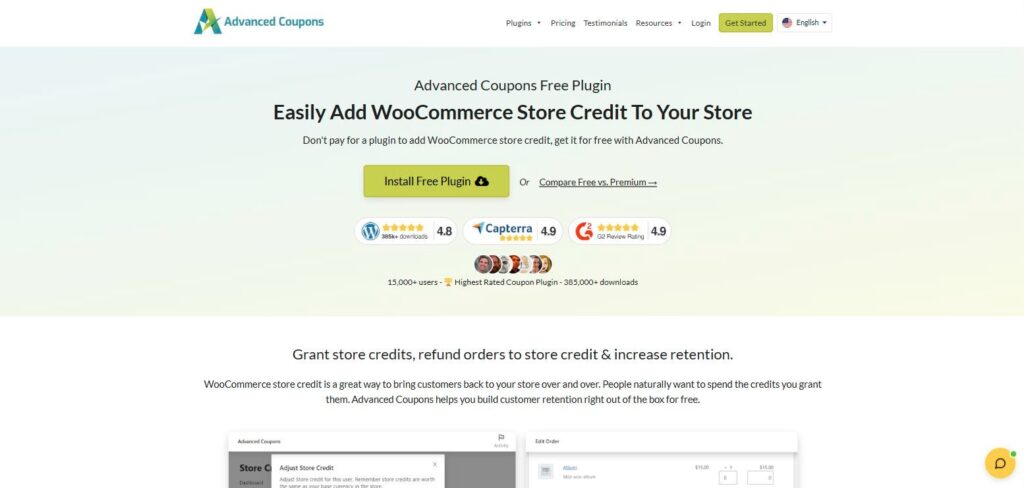
Advanced Coupons is mainly a coupon plugin (BOGO deals, auto-applied coupons, cart conditions), but its free version on WordPress.org also includes a proper store credit balance. It’s on more than 20,000 stores and rated 4.4/5 from 184 reviews.
For free you can grant or remove credit from the admin, refund orders to credit, set credit to expire after a number of days, months or years, and let logged-in customers apply their balance from the checkout totals box. Customers see their balance under My Account, and it works on the block checkout.
Premium adds more control over how credit gets spent: a maximum percentage of any order that credit can pay for, a minimum redemption amount, reminder emails for balances that are sitting unused, and bulk adjustments. If you want credit to encourage a bigger basket rather than cover the whole thing, that percentage cap is the feature to look for, and the only other plugin here that offers one is Simple Store Credit PRO.
It’s built around credit you hand out rather than credit customers buy. Customer top-ups aren’t among its advertised store credit features, and selling gift cards needs the separate Advanced Gift Cards plugin. Premium’s single-site plan is also the priciest way in on this list once the first-year discount ends.
Best for: stores already using Advanced Coupons for promotions, or anyone who needs to cap how much of an order credit covers.
Pros:
- Refunds to credit and expiry are both free
- Percentage cap on redemption (Premium)
- Comes with a large set of coupon features you may use anyway
Cons:
- Gift cards are a separate plugin
- $199 a year for one site at full price, and no advertised customer top-ups
Pricing:
- Free: $0 on WordPress.org
- Premium Growth: $199 / year (1 site)
- Premium Business: $399 / year (unlimited sites)
- All Access Bundle (includes gift cards and loyalty): $498 / year
First-year prices are currently 50% off, with renewals at full price and a 14-day money-back guarantee.
Get started with Advanced Coupons at advancedcouponsplugin.com
4. Smart Coupons

Smart Coupons, from StoreApps, is sold on the WooCommerce.com marketplace, where it has more than 20,000 active installs and a 4.4/5 rating from 234 reviews. It handles store credit the older way: as coupon codes that hold a balance.
You can send credit to a customer’s email address (a common way to handle refunds), sell gift cards at fixed or customer-chosen amounts, and let people spend a code across several orders until it runs out. Gift card buyers can schedule delivery and add a message, and cart and checkout show the credit applied and what’s left.
Because every piece of credit is a coupon, there’s no single wallet balance on the customer’s account. A customer with three refunds has three codes to keep track of, and your coupon list fills up with store credit codes mixed in with your actual promotions. Some stores like codes because they can be handed to anyone. If you want credit tied to a customer account, look higher up this list.
Best for: shops where gift cards do most of the work and store credit can follow the same model.
Pros:
- Mature gift card features, including scheduled delivery
- Credit codes work for guests and gift recipients too
Cons:
- No account wallet, so customers juggle separate codes
- No free version
Pricing:
- 1 year: $129
- 2 years: $206.40
Get started with Smart Coupons at woocommerce.com
5. Account Funds for WooCommerce
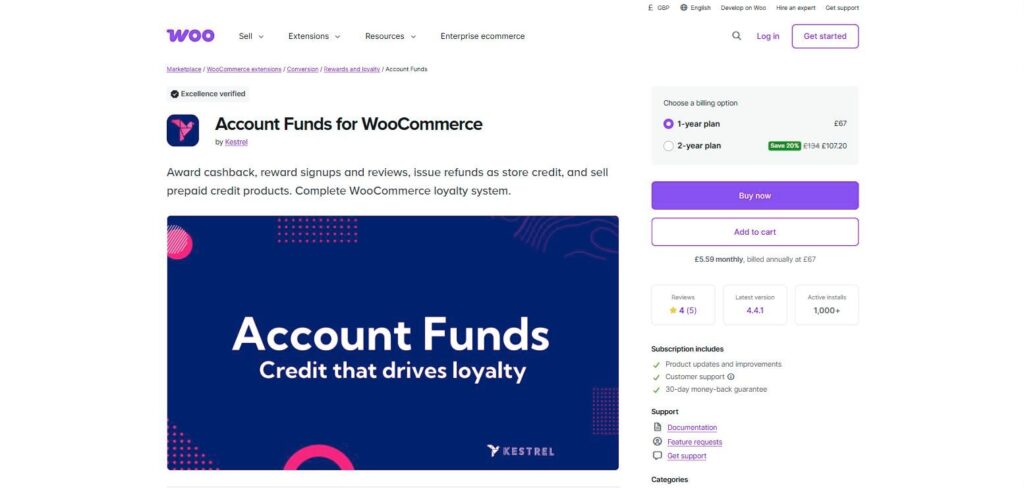
Account Funds is now developed by Kestrel and sold on WooCommerce.com. It treats the customer’s balance as money on account: it appears as a payment method at checkout, and customers can split an order between their funds and a card.
It covers deposits with minimum and maximum amounts, refunds to funds, cashback (percentage or fixed, with rules for minimum order values, categories and excluding sale items), credit for registering or leaving a review, expiry based on when credit was earned, and store credit sold as gift cards. It also works with WooCommerce Subscriptions and extends the WooCommerce REST API, which matters if you report on balances elsewhere.
There isn’t much feedback on the listing, though: 1,000+ active installs and a 4/5 rating from just 5 reviews. There’s no free version, so the marketplace’s 30-day refund policy is your trial.
Best for: buying from the official marketplace, with cashback and deposits in one paid plugin.
Pros:
- Cashback, expiry and refunds to funds in one license
- Subscriptions support and REST API access
Cons:
- Only five reviews on its marketplace listing
- Nothing free to try first
Pricing:
- 1 year: $89
- 2 years: $142.40
Get started with Account Funds at woocommerce.com
6. YITH WooCommerce Account Funds
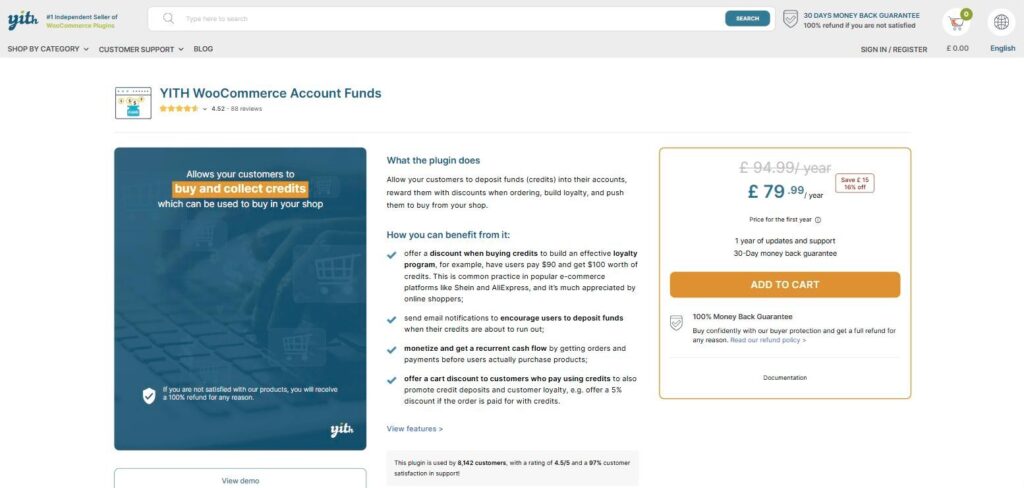
YITH’s take is built around prepaid deposits. YITH lists 8,142 active users and a 4.5/5 rating from 88 reviews.
Its best idea is a discount on the deposit itself, so a customer can pay $90 and receive $100 of credit. You can also give a cart discount when an order is paid with funds, set deposit minimums, maximums and increments, and send an email when a balance drops below a threshold you choose. Customers can pay in full or in part from their funds, and it ties in with other YITH plugins such as Affiliates, Multi Vendor and Subscriptions.
It’s less about returns and rewards. The sales page doesn’t mention credit expiry, cashback, or refunding orders into funds, so check the documentation if any of those are on your list. It also has recent minimum requirements (WordPress 6.9 and WooCommerce 10.9 at the time of writing), which rules out stores that update slowly.
Best for: stores where customers pay up front, such as regular trade buyers, and you want to reward bigger deposits.
Pros:
- Deposit discounts and low-balance emails
- Works alongside the rest of the YITH range
Cons:
- Expiry, cashback and refunds to funds aren’t listed as features
- No free version
Pricing:
- £94.99 / year (£79.99 for the first year)
YITH shows prices in the visitor’s local currency, and we checked from the UK. There’s a 30-day money-back guarantee.
Get started with YITH WooCommerce Account Funds at yithemes.com
7. Wallet System for WooCommerce (WP Swings)
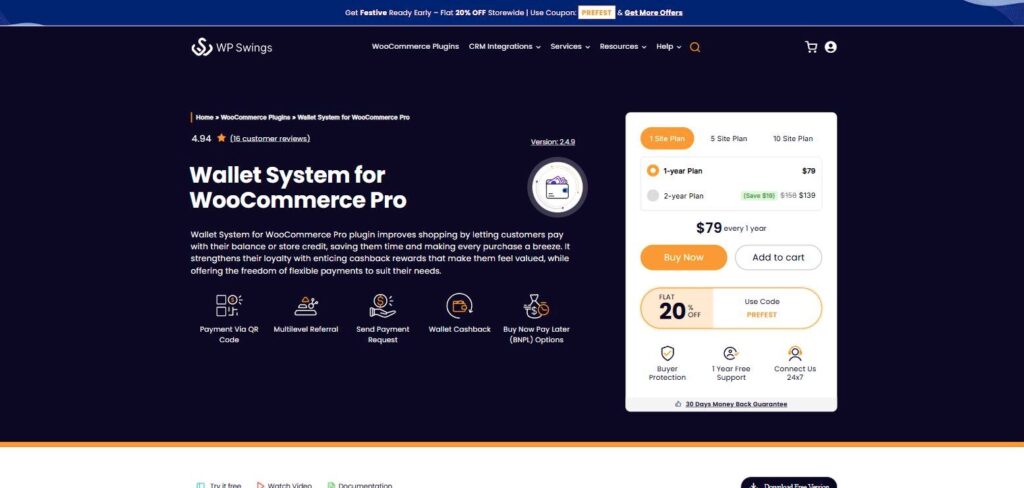
WP Swings has packed more into its wallet than anyone else here. The free version on WordPress.org has 2,000+ installs and a 4.9/5 rating from 64 reviews.
Alongside top-ups, partial payments and cashback, the free plugin lists withdrawal and transfer requests, a referral program, daily login credit, automatic top-ups on a daily or weekly schedule, low-balance emails, buy now pay later, and KYC document checks. Pro adds things like payment requests between customers, automatic PayPal withdrawals, fees on transfers and withdrawals, QR code payments and a wallet for in-store POS sales. It supports the block checkout.
That breadth is the problem for a typical shop. If all you want is to refund to credit and let people spend it, you’ll be switching a lot of things off, and the free version carries “Go Pro” prompts throughout the admin. The line between free and Pro is also blurry: the WordPress.org listing and the Pro sales page both claim some of the same features, such as buy now pay later and KYC, so confirm the tier of anything you need before you rely on it.
Best for: marketplaces and stores that want the wallet to behave more like a bank account.
Pros:
- Very long free feature list
- High rating on WordPress.org
Cons:
- More than most stores need, with upgrade prompts in the free version
- Free and Pro pages disagree on which tier some features are in
Pricing:
- Free: $0 on WordPress.org
- Pro: $79 / year (1 site), $169 / year (5 sites), $329 / year (10 sites)
Two-year plans cost a little less per year, and there’s a 30-day money-back guarantee.
Get started with Wallet System for WooCommerce at wpswings.com
8. WebToffee Gift Cards

WebToffee Gift Cards is a gift card plugin first, with store credit added on top. The free version on WordPress.org has 1,000+ installs and a 4.5/5 rating from 10 reviews.
The free plugin can create store credit coupons that customers spend across several orders. Premium is where it becomes a store credit tool: instant full or partial refunds to credit, a balance you can manage from the admin, gift cards sold at set or custom amounts, expiry dates, and credit that can also cover shipping and tax.
The downside is how much the free version leaves out. Refunds to credit and a customer balance are both premium, and those are usually the reasons people install a plugin like this in the first place. Treat the free plugin as a way to try the gift card side.
Best for: gift card sales first, with refunds to credit as a bonus.
Pros:
- Credit can cover shipping and tax (premium)
- Gift card and store credit features in one plugin
Cons:
- Refunds to credit and balances are premium only
- Small review count on WordPress.org
Pricing:
- Free: $0 on WordPress.org
- Premium: $99 / year (1 site), $199 / year (5 sites), $399 / year (25 sites)
Includes a 30-day money-back guarantee.
Get started with WebToffee Gift Cards at webtoffee.com
How to choose a store credit plugin for WooCommerce
Most of these plugins can issue credit and let customers spend it. The differences that matter show up a few weeks after you install one.
Account balance or coupon codes
This is the big one. A wallet balance belongs to a customer account: one number, visible under My Account, applied at checkout without anyone typing a code. The trade-off is that the customer has to log in to use it. Coupon-based credit (Smart Coupons, the free version of WebToffee) works for anyone holding the code, including guests and gift recipients, but a customer with several refunds ends up with several codes. Simple Store Credit does both, so you can keep refunds on the account and still hand out vouchers.
Where credit comes from
List the ways you expect credit to get into customers’ hands. Refunds and admin adjustments are standard. Customer top-ups, cashback, gift card sales and loyalty point conversions are not, and each plugin covers a different mix. If you run a loyalty program, check whether points can become credit. Our Simple Points and Rewards 2.3.0 update covers how that works with Simple Store Credit, including stopping an order from earning points and cashback twice.
Limits on spending and expiry
Unspent credit is money you owe, so decide early whether it expires and whether it can pay for an entire order. Expiry is a paid feature in several of these plugins, and only Advanced Coupons and Simple Store Credit PRO advertise a cap on how much of an order credit can cover. If you plan to expire credit a customer has paid for, such as top-ups or gift cards, check the rules where you sell first, as some places restrict it.
Getting balances in and out
Switching plugins later means moving every customer’s balance. Look for an importer, and for a report that shows credit issued against credit spent. Simple Store Credit imports from ten other plugins, and TeraWallet Pro includes CSV imports. For your accountant, a report of outstanding credit at the end of each period saves a lot of guesswork.
Frequently asked questions
Does WooCommerce have store credit built in?
No. WooCommerce has coupons, and you can make a fixed-amount coupon for a customer by hand, but it has no customer balance, no way to refund an order to credit, and no record of how much credit a customer has left. You need a plugin for any of that.
What’s the difference between a store credit plugin and a wallet plugin?
Mostly naming. “Wallet” plugins usually let customers add their own money and often treat the balance as a payment method, while “store credit” plugins tend to focus on credit you issue, like refunds and rewards. Several plugins on this list do both, so compare features rather than the label.
Can I refund an order to store credit instead of the customer’s card?
With a plugin, yes, and most of the plugins above can. Just offer it as an option rather than forcing it. In the UK, for example, when a customer is legally owed a refund and paid with money, the explanatory notes to the Consumer Rights Act say the trader can’t swap that for vouchers or store credit. Rules differ between countries, so check what applies to your store.
Can guest customers use store credit?
Wallet balances usually need the customer to be logged in, since the balance is tied to their account. Coupon-style credit works for guests because anyone can enter the code. If you get a lot of guest orders, pick a plugin that offers codes as well as balances.
Is there a good free store credit plugin for WooCommerce?
Yes. Simple Store Credit, TeraWallet and Advanced Coupons all include a customer balance and refunds to credit in their free versions. WP Swings’ free Wallet System has a balance, top-ups and cashback, while WebToffee’s free plugin handles credit coupons but keeps refunds to credit for premium.
Should store credit expire?
It depends where the credit came from. Setting an expiry on promotional credit, like cashback or a goodwill gesture, tends to bring customers back sooner, especially if you send a reminder before it runs out. Credit a customer paid for is different, and some countries and US states limit how gift card balances can expire, so check local rules before applying expiry to top-ups or gift cards.
Can I switch store credit plugins without losing customer balances?
Usually, but plan it. Export balances from the old plugin, import them into the new one, and check a few accounts by hand before you switch the old one off. Simple Store Credit has an importer for TeraWallet, Account Funds, WP Swings, Advanced Coupons, Smart Coupons, WebToffee and several gift card plugins.
Which store credit plugin should you use?
If your main goal is keeping refunds in your store, start with a plugin that includes refunds to credit and a customer balance for free, then pay only once you need cashback or expiry. We’d suggest Simple Store Credit, though we’re biased and it’s the newest plugin here. If you’d rather go with a long track record, TeraWallet is the safer bet. Stores built around gift cards will get on better with Smart Coupons or WebToffee. Whichever you choose, run a test refund and a partial redemption on a staging copy of your store before your customers see it.
For more on how it works, see our Simple Store Credit launch post.

Our plugins
Grow your WooCommerce store
Affiliates, loyalty points, store credit, tax exemption and more – trusted on 248,000+ sites.



Comments