






If your customers claim tax exemption themselves and you want their VAT, charity or ABN number checked before the tax comes off, start with Tax Exemption for WooCommerce. If you’d rather sign off each claim yourself, it can hold them for your approval too. Addify’s Tax Exempt is the most-reviewed dedicated exemption plugin on the WooCommerce.com Marketplace, and Ultimate Tax Exemption does much the same for less.
Some stores need a different kind of tool altogether. If all you need is EU VAT numbers checked, the free EU/UK VAT Validation Manager will do it. US stores collecting sales tax in lots of states are better off with Avalara, which handles exemption certificates as part of its wider tax service.
To be upfront: we make Tax Exemption for WooCommerce, and it’s first on this list. Keep that in mind as you read. We’ve listed real downsides for every plugin here, ours included.
Why a plugin at all? WooCommerce can charge a Zero rate on products, but it has no way to mark one customer as exempt. There’s no claim form for customers either, and nowhere to keep their certificate.
How we compared these plugins
We build one of these plugins, so tax exemption questions land in our support inbox most weeks. For the other seven, we went through each product page, the documentation, the changelog and customer reviews, and checked every price on the vendor’s own site on 23rd September 2026. We didn’t install every paid plugin on a test store. Where a feature is only described by the vendor, we’ve said so.
For each one we looked at where exemption gets claimed or switched on (checkout, My Account or admin only), whether customers can upload a certificate, and whether numbers are checked against anything. Expiry dates, block checkout support and renewal prices went into the comparison too.
What surprised us most is how different the jobs are. Some of these plugins let the customer claim exemption. Others attach it to a user role or a rule, one only checks VAT numbers, and Avalara is a whole tax service. Most roundups group them together, so the table below has a “Type” column to keep them apart.
What are the best WooCommerce tax exempt plugins in 2026?
Here’s the quick comparison, with a full review of each plugin after it.
| Plugin | Type | Free version | Price from | Best for |
|---|---|---|---|---|
| Tax Exemption for WooCommerce | Customer claims, with optional approval and number checks | Yes | $79/year | Self-declared exemption with VAT, charity and ABN numbers verified |
| Tax Exempt (Addify) | Customer requests, admin approves | No | $59/year | An approval workflow from a well-reviewed marketplace plugin |
| Ultimate Tax Exemption | Customer requests, admin approves | No | $39/year | The lowest price for a request form |
| EU/UK VAT Validation Manager | VAT number checks | Yes | $59.99/year | EU business-to-business sales |
| Wholesale Prices Premium | Exemption by user role | No | $99/year (first year) | Stores that already sell wholesale |
| WooCommerce Tax Exempt (IgniteWoo) | Admin sets it per customer | No | $59/year | Partial exemption from chosen taxes |
| WooCommerce Tax Exempt (AovUp) | Exemption by rules | No | $16.40/month, billed yearly | Exemption by country, category or coupon |
| Avalara for WooCommerce | Full tax service | Extension is free, account is paid | Avalara subscription | US sales tax across many states |
Last checked and updated: 23rd September 2026
1. Tax Exemption for WooCommerce
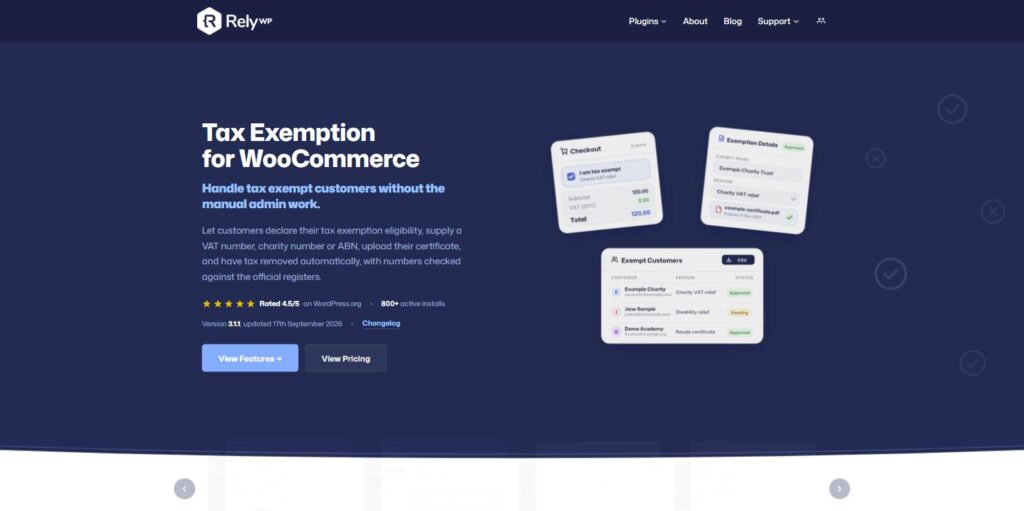
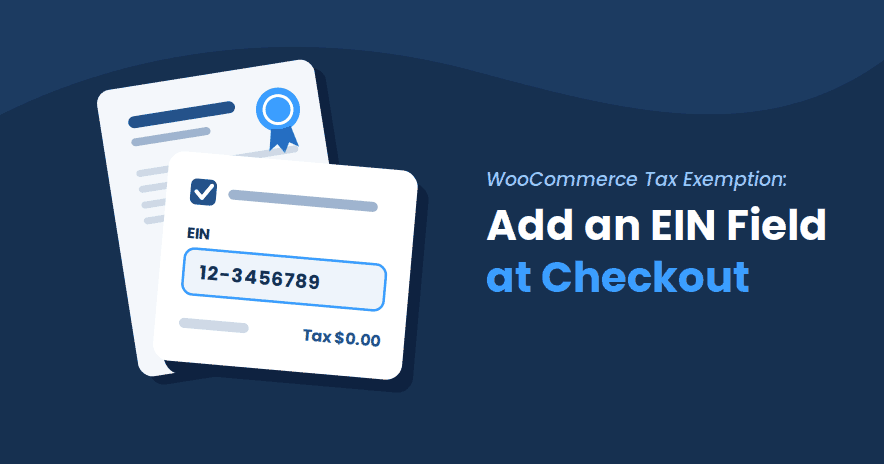
This is ours. A customer ticks “I want to claim tax exemption” on the cart, checkout or My Account page, fills in whatever details you ask for, and the tax comes off the order. That works on both the classic and block checkout, for guests as well as logged-in customers. Our plugin page puts it on 800+ stores, and it’s rated 4.5/5 on WordPress.org.
You can get quite far on the free version. It has the checkout form, a registration number field (VAT, charity, ABN, EIN, resale certificate and others), and screens listing your exempt customers and exempt orders. Orders you create in the admin get the exemption too, and it works alongside Stripe Tax.
Number checking is a PRO feature. Each number is tested against its format and check digit first. After that, PRO can look it up live: VIES for EU VAT numbers, HMRC for UK VAT, the Australian Business Register for ABNs and the Charity Commission for charities in England and Wales. A successful VIES or HMRC check saves a consultation reference on the customer and the order, so you have a record of the check if anyone asks. PRO also adds an optional approval step, so no exemption applies until you’ve signed it off (customers whose number verifies can be approved automatically if you prefer). On top of that come certificate uploads, expiry dates with reminder emails, and restrictions by role, country, state or product.
Now the downsides. Most controls over who can claim exemption are PRO-only, so on the free version you’re taking the customer’s word for it. Certificates have to be PDFs, which is a problem for customers who photograph a paper certificate on their phone. You’ll also need to set up access to each register yourself, and HMRC wants a registered API account. And with only a handful of public reviews so far, it has less of a track record than Addify’s plugin.
Best for: customers who claim exemption themselves, with their numbers checked against official registers and an approval step if you want one.
Pros:
- The free version already covers the cart, both checkouts and My Account
- Live lookups against four official registers, with a saved reference (PRO)
- Exemption still applies on Apple Pay, Google Pay and Stripe Link express checkout
- Works with Stripe Tax, and AvaTax in PRO
Cons:
- Approval, certificates, expiry and restrictions all need PRO
- PDF certificates only
- Only a few WordPress.org reviews so far
Pricing:
- Free version on WordPress.org
- PRO Monthly: $10 (1 site)
- PRO Yearly: $79 (1 site)
- PRO Lifetime: $239 (1 site)
There are 5-site and 25-site licences too. PRO comes with a 7-day free trial and a 14-day money-back guarantee.
You can download the free version from WordPress.org, or see every PRO feature on the Tax Exemption for WooCommerce plugin page.
2. Tax Exempt for WooCommerce (Addify)
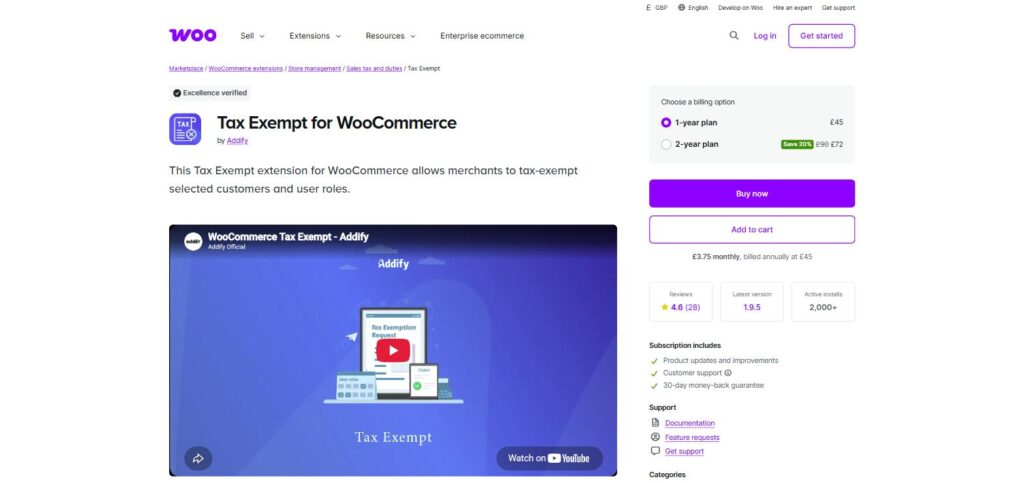
Addify sells this one through the WooCommerce.com Marketplace, where it shows 2K+ active installs, 4.6/5 from 28 reviews and the “Excellence verified” badge.
There are two routes to exemption. You can list specific customers or user roles in the settings, and they simply aren’t charged tax. Or customers fill in a form on their My Account page (a VAT field, text fields and a document upload), and you approve or reject each request in the admin or straight from the notification email. Once approved, they see a checkbox at checkout that removes the tax.
Expiry dates, guest claims and status emails are included, and the listing says it supports the cart and checkout blocks. Everything runs through request and approval, which suits most B2B stores. Test a couple of things before you rely on it, though. A 2025 marketplace review says exemption didn’t apply to orders the store owner created manually, which matters if you take phone orders. The listing also describes its AvaTax support as partial.
Best for: B2B shops that want every exemption request approved by a person before tax comes off.
Pros:
- Exempt chosen customers or roles with no form at all
- Approve or decline from the notification email
Cons:
- No free version to test first
- A reported problem with orders created in the admin
- Only partly compatible with AvaTax
Pricing:
- 1-year plan: $59
- 2-year plan: $94.40
Includes updates, support and a 30-day money-back guarantee.
See Tax Exempt for WooCommerce on the WooCommerce.com Marketplace.
3. Ultimate Tax Exemption
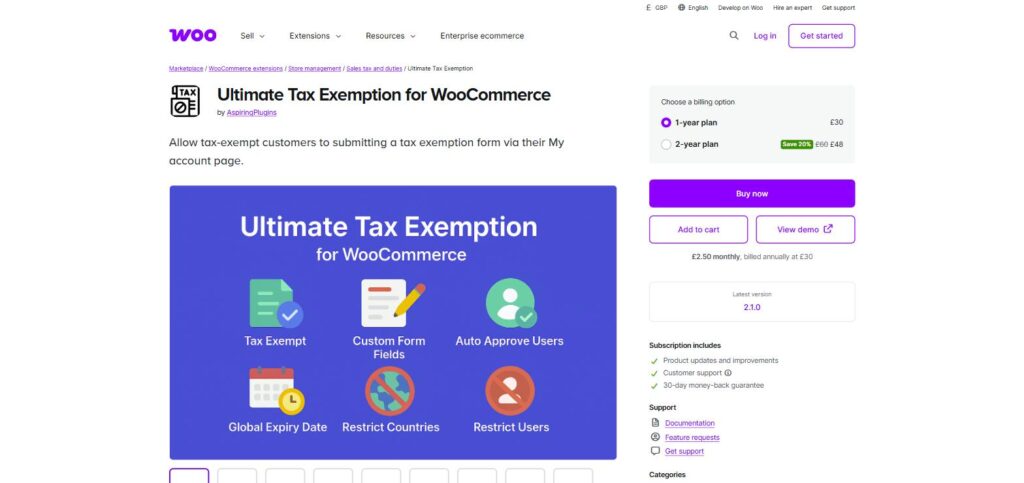
Ultimate Tax Exemption, from AspiringPlugins, is the cheapest paid option here at $39 a year. It overlaps a lot with Addify’s plugin: a request form under My Account, an admin table for approving or rejecting requests, a global expiry period, and exemption for chosen users or roles.
The form builder has more field types than anything else we looked at. There are nine, from text and phone numbers to radio buttons and file uploads, and you can drag them into order. Each request keeps its own activity log, and exempt orders are marked in the orders list. Recent updates added manual exemption on admin orders, country restrictions and a shortcode for putting the form on any page.
The catch is how little there is to go on before you buy. The listing has no customer ratings yet and there’s no free version, so the demo site and the 30-day refund are your ways to try it.
Best for: small stores that want an approval workflow and a custom form at the lowest price.
Pros:
- The lowest yearly price of any paid plugin here
- Nine field types for the request form
- Listed as compatible with the checkout blocks and HPOS
Cons:
- No ratings on the marketplace listing yet
- We found no mention of checking VAT or registration numbers
Pricing:
- 1-year plan: $39
- 2-year plan: $62.40
See Ultimate Tax Exemption on the WooCommerce.com Marketplace.
4. EU/UK VAT Validation Manager
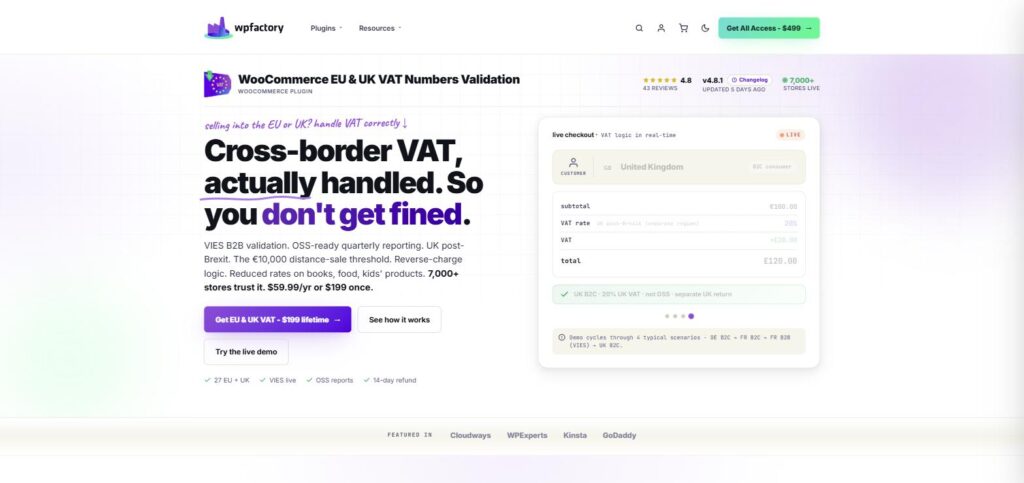
This one does a different job. WPFactory’s plugin adds a VAT number field at checkout, checks the number against the EU’s VIES service in real time, and drops the VAT if it’s valid. It’s free on WordPress.org, active on 7,000+ sites and rated 4.8/5.
For EU B2B sales, the free version covers most of what you need. You can keep VAT for your own country or for chosen countries, keep it when the billing and shipping countries differ, and always exempt (or always charge) certain user roles. Block checkout is supported. PRO adds OSS reports, company name matching, and payment methods that only show once a number has been validated.
What it won’t do is general exemption. There are no certificates, no charity or disability declarations and nothing for US sales tax. UK numbers are a bit unclear, too. WPFactory’s product page mentions HMRC, but the changelog and the plugin’s notes on external services say UK checks go through VATSense, a separate API that needs its own key. Check which applies to your version before relying on it for UK customers. We’d also test updates on a staging site first: an August 2026 review describes an update that removed VAT from orders that should have been charged.
Best for: EU stores selling to VAT-registered businesses in other EU countries.
Pros:
- VIES checks in the free version
- A lifetime licence that covers unlimited sites
Cons:
- VAT numbers only, with no other exemption types
- Mixed information on how UK numbers are checked
- A recent review reports an update that removed VAT by mistake
Pricing:
- Free version on WordPress.org
- PRO Yearly: $59.99
- PRO Lifetime: $199 (unlimited sites)
Both PRO plans have a 14-day refund.
Get the free version on WordPress.org, or see PRO at wpfactory.com.
5. Wholesale Prices Premium (Wholesale Suite)
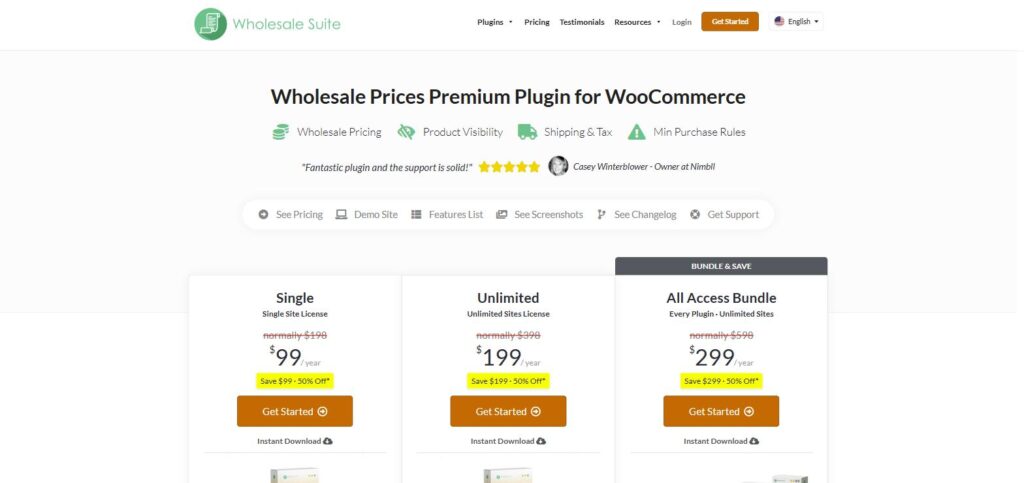
Already selling wholesale? Then you might not need a separate exemption plugin. Wholesale Prices Premium from Wholesale Suite can exempt wholesale roles from tax, either all of them at once or role by role, and set whether each role sees prices with or without tax.
It also works with the WooCommerce EU VAT Number extension, Aelia’s EU VAT Assistant and Germanized Pro, so one of those can check VAT numbers while the role handles the tax.
Exemption is tied to the role, though. There’s no claim form, no certificate upload and no expiry date, so any checking has to happen before you give someone the role. It’s a wholesale pricing plugin first and sits on top of the free Wholesale Prices plugin. The $99 is also an introductory price, and renewals are $198.
Best for: wholesale sellers who already give trade customers their own user role.
Pros:
- Tax exemption comes with your wholesale setup, with no extra plugin
- Prices with or without tax for each role
- Works alongside the main EU VAT number plugins
Cons:
- Exemption by role only, with no documents or expiry
- Renewal costs twice the first-year price
Pricing:
- Single site: $99 for the first year, then $198 a year
- Unlimited sites: $199 for the first year, then $398 a year
- All Access bundle: $299 for the first year, then $598 a year
There’s a 14-day money-back guarantee on every plan.
See Wholesale Prices Premium at wholesalesuiteplugin.com.
6. WooCommerce Tax Exempt (IgniteWoo)
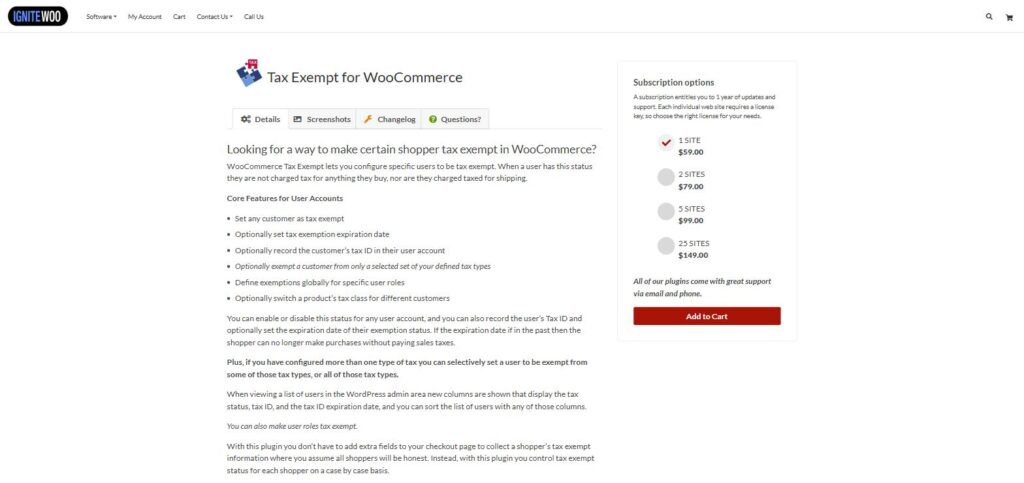
IgniteWoo does it the other way round from most of this list. Customers never see a form. You decide who’s exempt and switch it on in their user account, with an optional tax ID and expiry date.
Partial exemption is what sets it apart. If you have more than one tax set up, a customer can be exempt from some and still pay others. You can also swap a product’s tax class for particular customers. The Users screen gets sortable columns for tax status, tax ID and expiry, and whole roles can be exempted as well. Fully exempt customers aren’t charged tax on shipping either.
IgniteWoo says plainly that the plugin doesn’t collect exemption information, so the forms and paperwork are your job. Updates are infrequent: version 2.3 (July 2025) added block checkout and HPOS support, and the release before that was in 2021.
Best for: a small, known list of exempt customers that you check by email or phone before switching them on.
Pros:
- Exempt a customer from only some of your taxes
- Sortable tax status, ID and expiry columns on the Users screen
- Cheap multi-site licences
Cons:
- No customer form and no certificate storage
- Long gaps between releases
Pricing:
- 1 site: $59 / year
- 2 sites: $79 / year
- 5 sites: $99 / year
- 25 sites: $149 / year
See WooCommerce Tax Exempt at ignitewoo.com.
7. WooCommerce Tax Exempt (AovUp)
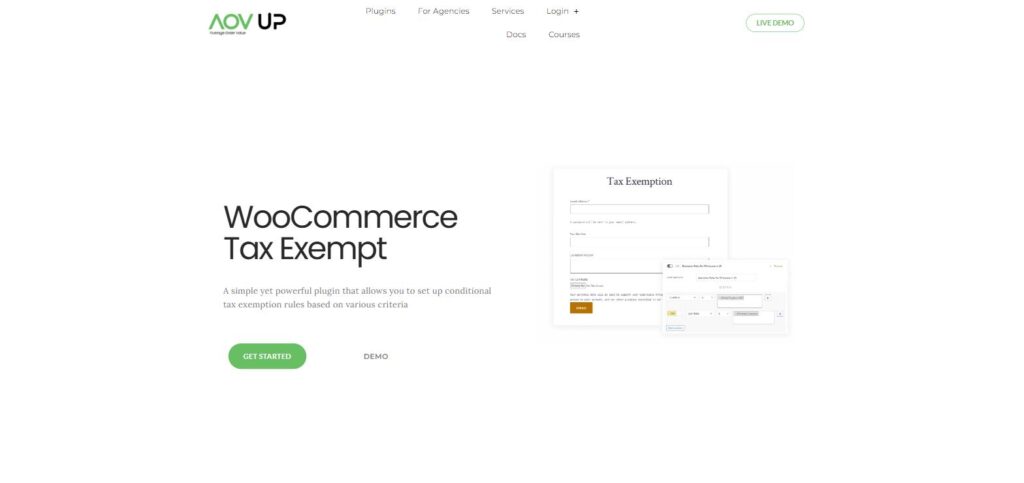
AovUp (formerly Woosuite) builds its plugin around rules. Each rule can target products, categories, countries, user roles or individual users, and you can combine conditions. There’s also a less common option: a coupon code that removes the tax when it’s applied.
On top of that, you can set whether each user group sees prices with or without tax, and change the price suffix per group.
Collecting documents takes more than this plugin on its own. Certificate and tax number uploads at registration, and the exemption form builder, rely on AovUp’s User Registration plugin, which comes with the Professional plan. We couldn’t find a version number or changelog on the product page, so it’s hard to tell how often it gets updated. At $16.40 a month billed yearly (about $197 a year), Basic also costs more than most plugins here.
Best for: exemption that follows a fixed rule, like a country or product category, rather than individual paperwork.
Pros:
- Rules that combine products, categories, countries and roles
- Coupon codes that remove tax, plus a one-off lifetime licence
Cons:
- Certificate uploads need a second plugin on a higher plan
- No public changelog on the product page
- Costs more a year than ours, Addify, Ultimate or IgniteWoo
Pricing:
- Basic: $16.40 / month, billed yearly (1 site)
- Professional: $25 / month, billed yearly (adds User Registration)
- Basic Lifetime: $297 one-time (1 site)
All plans include a 14-day money-back guarantee.
See WooCommerce Tax Exempt at aovup.com.
8. Avalara for WooCommerce
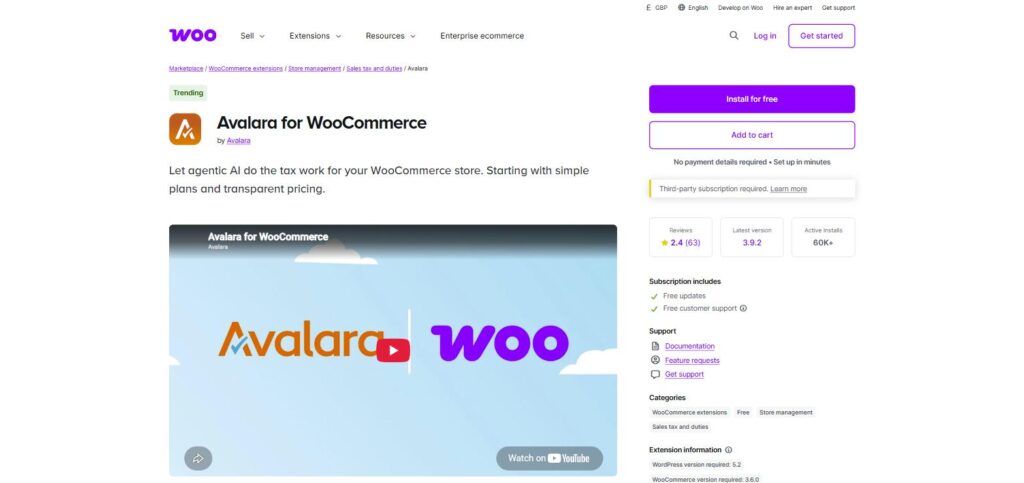
Avalara isn’t really an exemption plugin. It’s a full tax service that works out sales tax, VAT and duties at checkout, and it can prepare and file your returns. The extension itself is free, but you need a paid Avalara account to use it.
Exemptions are handled by Avalara’s Exemption Certificate Management, which collects certificates at checkout, applies them automatically and keeps the records. For a US store collecting sales tax in several states, with plenty of resale or nonprofit customers, that goes well beyond anything else here. The extension shows 60K+ active installs, and the listing says it supports block checkout and HPOS.
The reviews are the worry. It averages 2.4/5 from 63 marketplace reviews, and several recent ones mention setup problems and errors after updates. Pricing is on Avalara’s own site, so get a quote before you plan around it. With only a few exempt customers, it’s far more than you need. If you already use AvaTax and want the claim form on your own site, the PRO version of our plugin can pass exempt customers to AvaTax with an exemption type.
Best for: US stores that need tax calculated and filed in many states, with exemption certificates managed in the same system.
Pros:
- Tax calculation, filing and certificates in one service
- The largest install base on this list
Cons:
- Needs a paid Avalara account, priced separately
- Averages 2.4/5 in marketplace reviews
- More than you need for a handful of exempt customers
Pricing:
- WooCommerce extension: free
- Avalara account: separate subscription, priced by Avalara
See Avalara for WooCommerce on the WooCommerce.com Marketplace.
How to choose a tax exemption plugin for your store
After a few feature lists, they all start to blur. It’s easier to start from how exemption already works in your business and pick the plugin that fits that.
Who decides that a customer is exempt?
Some stores take the customer’s word for it, with or without a check, and those need a claim form at checkout or in My Account. Others want to see paperwork first and only then switch exemption on, which is where an approval step fits better (ours, Addify’s and Ultimate Tax Exemption all have one), or an admin-only plugin like IgniteWoo’s. If exemption comes with a type of account, such as wholesale, a user role setting may be all you need.
Do you need to keep documents on file?
In the US, a seller normally keeps a valid exemption or resale certificate on file for each exempt customer, and auditors can ask to see them. The rules and forms vary by state, which our guide to collecting an EIN from US tax exempt customers goes into. Certificates expire too, so expiry dates and renewal reminders save you chasing people by email.
UK VAT relief for disabled customers works differently. The customer gives you a written eligibility declaration rather than a certificate, and our guide to setting up disability VAT exemption in WooCommerce covers how to collect it.
Is a VAT number enough?
Often not, and it’s a common mistake. A valid VAT number shows that a business is VAT-registered. It doesn’t make every sale to that business VAT-free: a UK business buying from a UK store still pays UK VAT and reclaims it on its own return. The number mostly matters for cross-border sales, such as an EU seller supplying a VAT-registered business in another EU country, where the reverse charge usually applies. The right treatment depends on what you sell and where, so check with your accountant before you set any plugin to remove VAT automatically.
Does it work with your checkout and tax setup?
Test on the checkout you actually use. Most plugins here now list block checkout support. Express buttons like Apple Pay, Google Pay and Stripe Link skip the normal checkout fields, so check whether exemption still applies when customers pay that way. And if Stripe Tax, AvaTax or WooCommerce Tax works out your tax, make sure the plugin works with that service rather than overriding it.
Frequently asked questions
Can WooCommerce make a customer tax exempt without a plugin?
Not really. WooCommerce can apply a Zero rate tax class to products, and a developer can flag a customer as VAT exempt in code. But there’s no screen for marking a customer exempt, no form for customers to claim it and nowhere to store their documents. That’s the gap these plugins fill.
What is the best free tax exemption plugin for WooCommerce?
If customers claim exemption at checkout, the free version of Tax Exemption for WooCommerce (ours) is the only free option here with a claim form, block checkout support and a record of exempt customers and orders. For EU business customers with VAT numbers, the free EU/UK VAT Validation Manager checks them against VIES.
What is the difference between a tax exempt plugin and a VAT number plugin?
A tax exempt plugin records why a customer shouldn’t pay tax (a charity, a disability declaration, a resale certificate or a government body, say) and removes it on that basis. A VAT number plugin just checks that a business VAT number is valid, then adjusts VAT for business sales. Some stores need both. Ours can collect and verify VAT numbers too, but a dedicated VAT plugin has extras like OSS reports that ours doesn’t.
Do these plugins work with the WooCommerce block checkout?
Most do now, but check. Ours shows the claim form directly on the block checkout. Addify, Ultimate Tax Exemption, the EU/UK VAT Validation Manager, Wholesale Suite and Avalara all list block checkout compatibility, and IgniteWoo added it in version 2.3. We couldn’t find anything either way for AovUp.
Can I make only some products tax exempt?
Yes. Tax Exemption for WooCommerce (in PRO) and AovUp can both limit exemption to chosen products, and IgniteWoo can swap a product’s tax class for particular customers. This matters for UK disability VAT relief, because the relief only covers qualifying goods.
Will tax exemption apply to orders I create in the admin?
That depends on the plugin. Ours applies the customer’s exemption to admin orders when you create or recalculate them, and Ultimate Tax Exemption added manual exemption on admin orders in a recent update. If you take orders by phone or email, test this before you buy.
Which tax exemption plugin should you choose?
It comes down to the job. If customers claim exemption themselves, you’re choosing between our Tax Exemption for WooCommerce, Addify’s Tax Exempt and Ultimate Tax Exemption. All three can hold claims until you approve them. Pick ours if you also want numbers checked against official registers; Addify has the most customer reviews of the three. If exemption follows a role or a rule, Wholesale Suite, IgniteWoo or AovUp may be enough. For EU VAT numbers on their own, start with the free WPFactory plugin, and for sales tax across lots of US states, look at Avalara.
Yes, we’re biased, and we think ours suits most stores where customers claim exemption. The free version is on WordPress.org, so try it on your own store before paying for anything.

Our plugins
Grow your WooCommerce store
Affiliates, loyalty points, store credit, tax exemption and more – trusted on 248,000+ sites.

Comments